INTRODUCTION
Welcome to the Guide
This guide is your complete reference for setting up, troubleshooting, and customising the Gantt Chart Supercharged - Starter Edition.
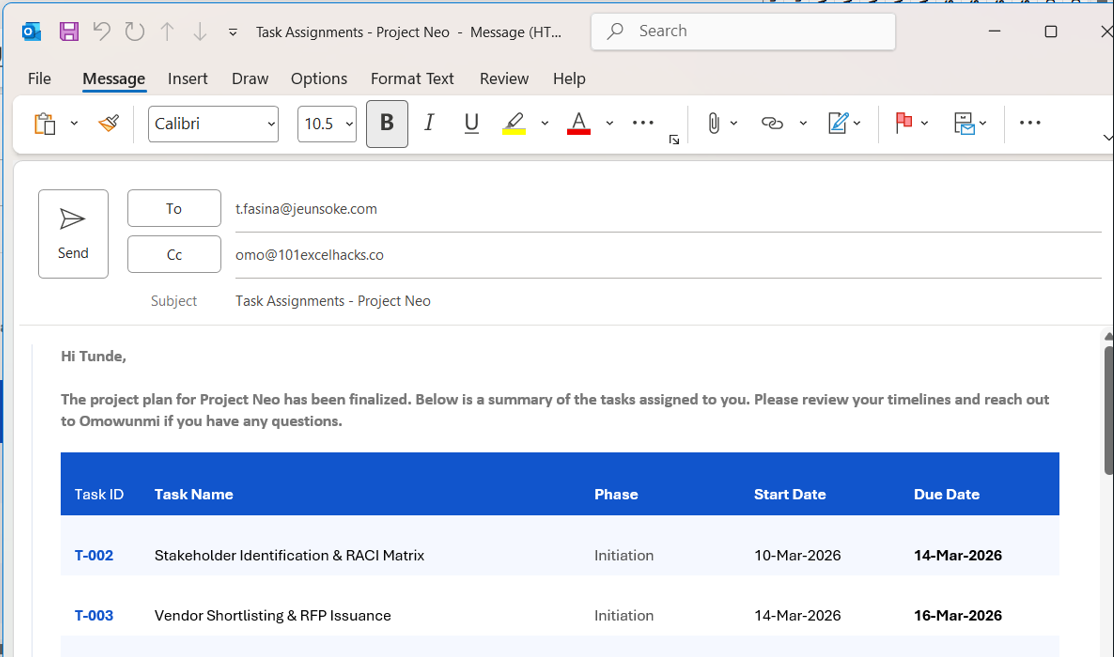
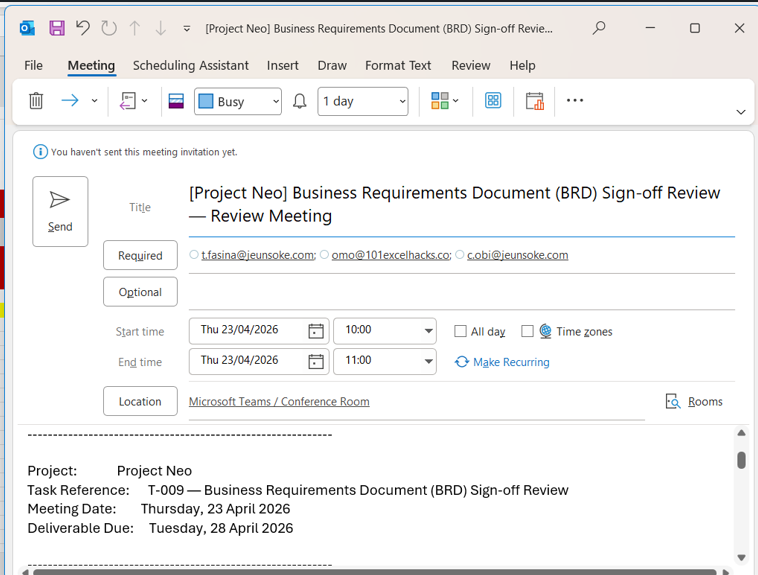
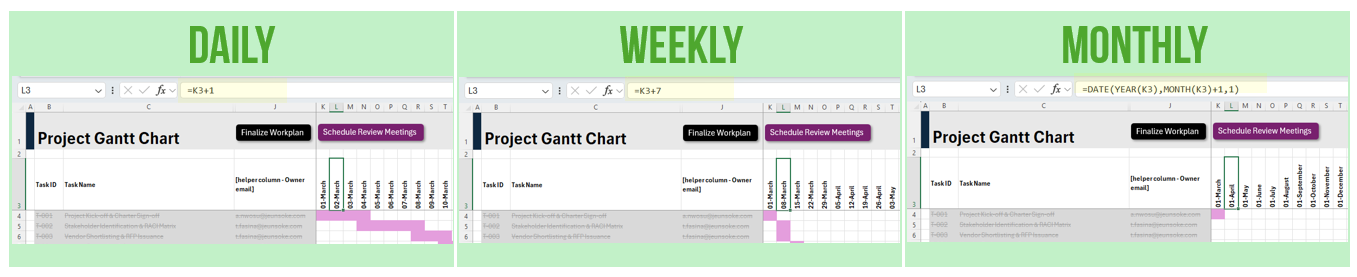
The guide is structured to help you quickly diagnose and fix the most common issues, then go further with customisations - changing email content, adjusting meeting schedules, and even switching the chart between daily, weekly, and monthly views.
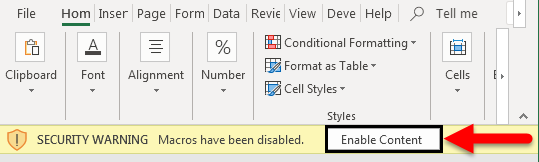
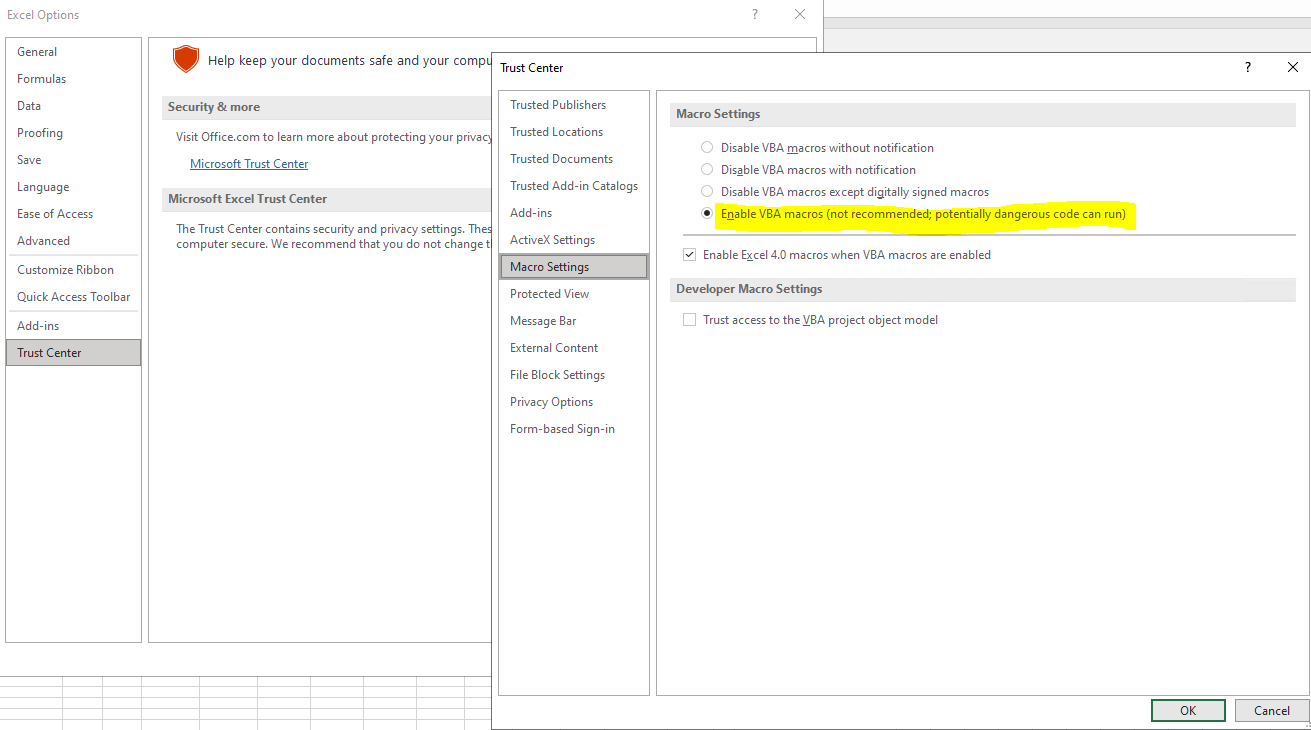
Before you start: ensure you are using Excel Desktop (Windows or Mac), the file is saved as .xlsm, and macros are enabled. The vast majority of issues trace back to one of these three points.
What's inside
Overview of the ToolWorkbook sheets, how they connect, and what each one does
Common Reasons Macros Don't RunEnable Content, file format, Outlook, IT policy - all covered
How to Update or CustomiseEmails, meeting invites, team directory, Gantt periodicity
Common Issues & How to Resolve ThemBars, alerts, dropdowns, VBA error codes explained
Best Practice & Safe-Use TipsDo's, don'ts, and rules that keep the workbook from breaking
§ 1
Workbook Structure Overview
| Sheet Name | Purpose |
|---|---|
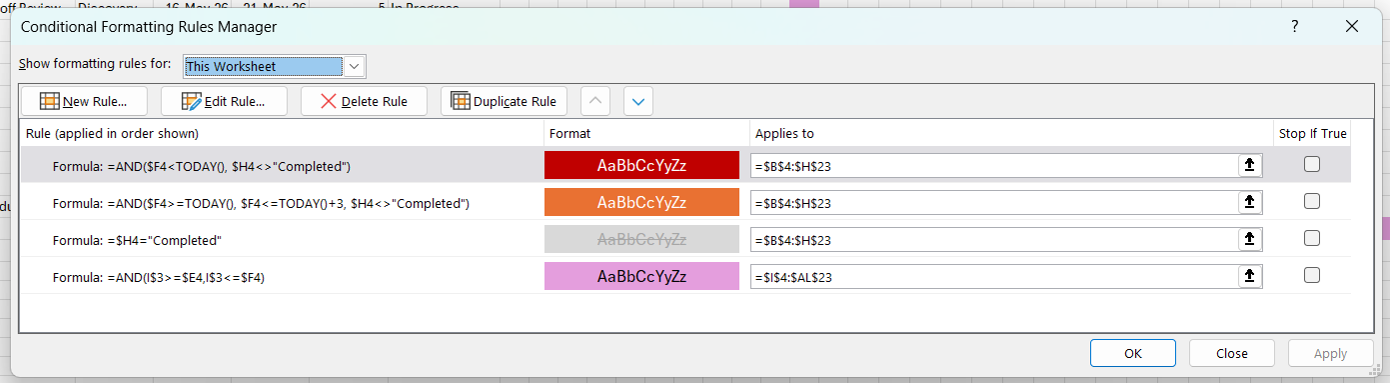
| Gantt | Main project task table and visual Gantt chart bars. This is where you manage tasks, dates, owners, and status. |
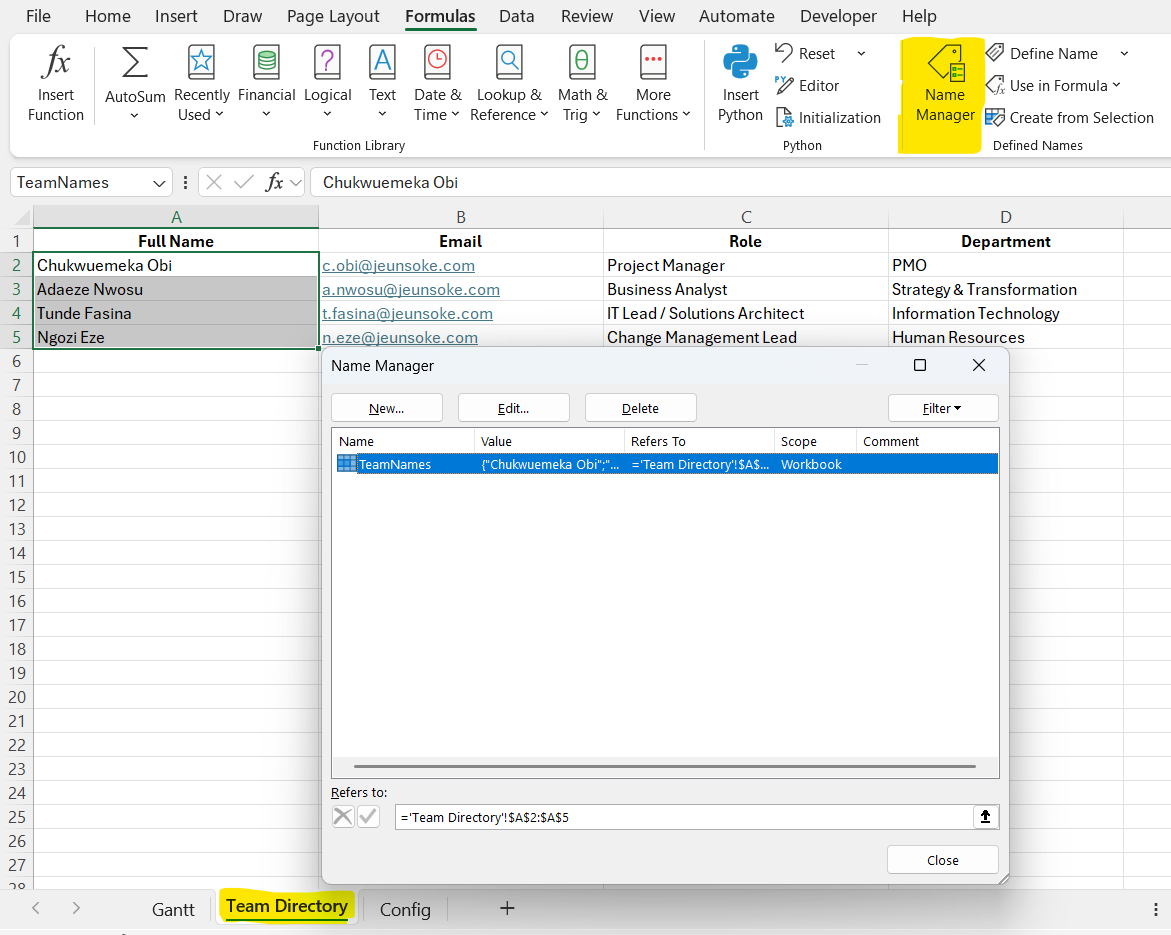
| Team Directory | Resource list: names, emails, and roles. Powers all owner dropdowns and email automation across the workbook. |
| Config | Project settings: project name, lead, emails, and finalised flag. All macros read their configuration from here. |